A live two hour installation workshop
You yap. It edits.
Install an on demand video editor on your Mac in two hours. Then stop touching an editing app ever again.
Install my video editorYou already know how to talk about your business. You have the ideas. You can hit record. The part that kills you is everything after, so the video sits in your camera roll until the idea stops being timely and you let it die there.
Let go of editing all together. Hand it off for good.
Right now you have two options and both of them cost you.
Option one, you edit it yourself. Another tool, another login, another twenty minutes you did not plan for, and a fourteen step process you have to remember every single time.
Option two, you send it to an editor. A brief, a wait, a round of notes, another wait, and a final file that shows up four days after the idea was hot.
Either way, editing is the thing standing between recorded and posted. When the gap between those two words is big enough, you just post less. Not because you ran out of things to say. Because the handoff is expensive.
Yap Magic removes the handoff. You record. Your on-demand video editor edits. Nobody waits on anybody.
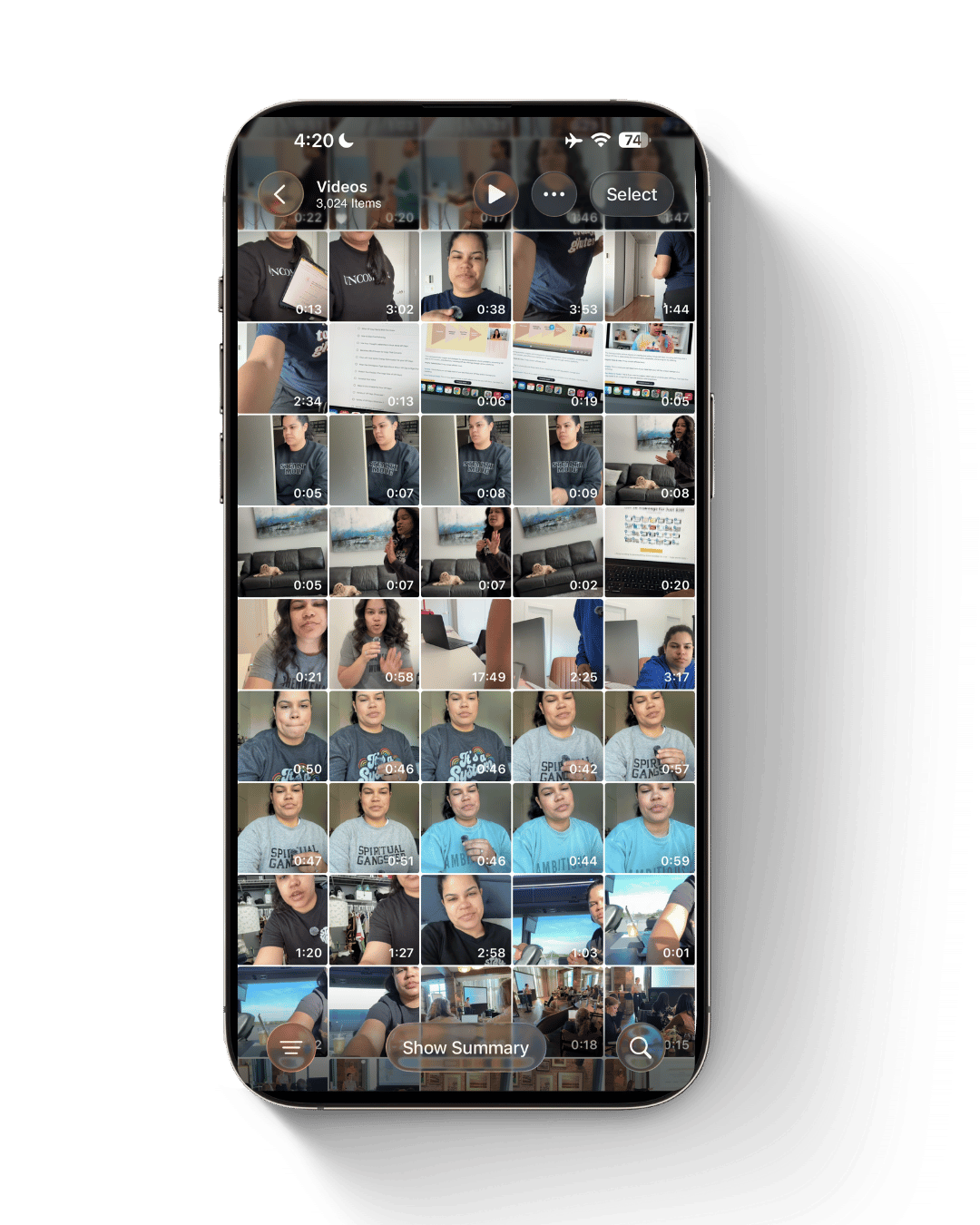
Same style. Two edits.
The one on the left is me editing by hand. The one on the right is Yap Magic.
A little hello from your host
5 minutes on what we are actually building and why I stopped teaching people to edit faster.
Three steps. One of them is a nap.
drag the clip into folder two
Record your talking head Reel. Phone, laptop, whatever you already use.
Drop it in the folder. Tell Claude it is ready. Close your laptop.
Come back to a captioned, branded, ready to post Reel.
What "editing" actually looks like
You say the video is ready. Then this happens without you.
A real run, with the waiting compressed. Elapsed times are unedited.
This is not another Monthly Bill
You will not need CapCut or Descript. You will not need to wire five platforms together with an automation you will be scared to touch six months from now.
Everything happens through Claude Code's chat window in plain English. You tell it what your videos should look like. We give it the instructions together. Then we test it before you leave.
There is a setup process, because your editor has to learn your preferences once. After that, it already knows. You will never explain your style from scratch again.
You leave with an installed video editor.
Not a training to watch later. Not a swipe file of editing hacks. Not a checklist you will follow twice and abandon.
You leave with a working editor that already knows what your videos look like. The next time you have footage, you will know exactly where to put it and exactly what to say.
Which is really just another way of saying you hired someone. They just do not need onboarding, health insurance, or a Monday check in.
Two hours, three parts, one editor
Setup and security
We get Claude Code running correctly on your Mac and scope its access to only the folders it needs. Not your whole computer. I walk you through it in plain language so you understand what you just did and feel fine using it alone tomorrow.
Build your editor
We teach it exactly how your talking head videos should look. Caption size and placement. Fonts. Brand colors. Pacing. How pauses get handled. How you want the frame. How the final file exports. You get a workbook so you are choosing from prompts instead of staring at a blank page.
Test drive
You upload a real raw video and send it through. We watch the output together, adjust what needs adjusting, and confirm it works. You do not go home hoping. You go home having seen it run.
Each cohort is capped at 30 so I can actually get to you if your setup does something weird.
On your laptop in just 2 hours
- Your on demand talking head editor, installed on your Mac
- A reusable editing system built around your actual preferences
- A secure folder setup that keeps Claude in its lane
- Your completed editing workbook
- A tested upload process
- A written set of instructions for every future video
- The full replay, with forever access
- The Five Day Follow Through, Monday to Friday after your workshop, inside your own private thread with me. Send a voice note, a Loom, a screen recording, or just type it out. I answer in the thread, so nothing gets lost in anybody's inbox.
Imagine having too many Reels ready to post
How many ideas are sitting in your Notes app right now because you did not want to deal with producing them? How many clips are in your camera roll waiting on a version of you with more energy?
Right now your visibility is capped by your capacity to edit. Those two things have nothing to do with each other and they should not be tied together.
With Yap Magic they come apart. You record when you have the energy. You upload whenever. Your editor works while you do something else entirely. Editing stops being the thing that halts the process and becomes the smallest part of it.
"But I am not techie"
Good. Neither am I when it comes to coding and development.
I am not memorizing coding languages or hand building things in Terminal for fun. What I am good at is taking something technical and translating it so a normal person can own it without a computer science degree. Then building it so it runs without me, and without an ongoing bill.
During Yap Magic you will talk to Claude in regular sentences. You will have a workbook that makes the decisions easy. And you will have me walking you through every step of the setup live, then reachable all week during The Five Day Follow Through.
You do not need to understand what every line of code means. You need to understand how to use the system we built. Those are very different jobs.
The true cost of editing 30 Reels every month
DIY editing
Human video editor
Yap Magic
WHAT'S YOUR time WORTH?
22.5 hours x $100 = $2,250 spent editing every month.
That is $27,000 a year to do a job you do not want.
Join This One-Time Virtual Workshop
This one-time workshop includes the two hour live installation, the full replay with forever access, and The Five Day Follow Through, a private Monday to Friday thread with me after your workshop.
Cannot make it live? You still get the full replay with forever access, so you can install on your own time. You will also get access to me the Monday through Friday post workshop to ask any questions or get clarity.
What you need
- A Mac
- The Claude desktop app installed
- A paid Claude plan, $20 per month minimum
- One raw, unedited talking head video, 90 seconds or shorter
What you do not need
- CapCut, Descript, or any paid editing tool
- Connector software
- Coding experience
- Terminal experience
- A human editor
- A complicated tech stack
Processing time varies with your computer and internet speed. Most videos finish in under 30 minutes.
This is for you if
- You make talking head Reels regularly and hate everything that happens after you hit stop
- You have raw footage waiting on you right now
- You are tired of paying for tools you barely open
- You do not want to manage a human editor
- You want more content without more work
- You want your edits to look the same every time without you enforcing it
- You want AI to finish a task instead of handing you a new one
- You are willing to spend two hours once to save hours every week
This is not for you if
- You do not have a Mac
- You want training on ChatGPT Codex
- You want an editor for long form, podcasts, or YouTube
- You do not make talking head content
Yap Magic is deliberately narrow. Short talking head videos, built in Claude Code. That narrowness is the only reason your system is installed and tested inside two hours instead of half built and emailed to you later.
Frequently asked
Do I need to know how to code?
No. We work inside Claude Code's chat, in regular language. You will not be writing code or living in Terminal.
Do I need CapCut, Descript, or another editing platform?
No. Avoiding another subscription is the entire point. You need a paid Claude plan and nothing else.
Will this work on a PC?
This version is Mac only.
Can I use ChatGPT Codex instead?
There may be a way to build something similar elsewhere. This workshop covers Claude Code exclusively, and I will not be teaching or troubleshooting Codex setups.
Can it edit B roll Reels or multi clip videos?
Those need different inputs and a different build. We are staying on talking head Reels so yours gets finished and tested during the workshop. Other formats may come later.
How long should my test video be?
90 seconds or shorter so we can run the test efficiently on the day.
How fast will my videos edit?
Often under 30 minutes, though it depends on the video, your machine, and your connection. The important part is that it runs while you are somewhere else.
Will I have to adjust it after every video?
No. The adjusting happens during setup, which is what the workshop is for. Once your template is working, future videos follow the same system. You can update your preferences later if you want, but the goal is a repeatable process, not a new thing to supervise.
How does The Five Day Follow Through actually work?
You get a private link to your own thread with me. Send a voice note, drop a Loom, upload a screen recording of the thing that is not working, or type it out. Whatever is fastest for you in the moment. I answer inside the thread, so the whole week of back and forth stays in one place instead of scattered across your inbox.
What if I cannot attend live?
You get the replay and forever access, plus The Five Day Follow Through. Monday through Friday after your workshop date, you can send me questions as you install on your own timing and I will answer them.
Is there a replay available?
Yes there is a replay available that will be sent out within 24 hours of the Saturday workshop.
Can I use this for a client?
Your purchase includes a one time license for your own business or one client's business. It does not cover installing, distributing, or selling the system across multiple client accounts. For agency, team, or multi client licensing, email hello@systemssavedme.com.
Can I resell the editor or teach this process?
No. The Yap Magic training, workbook, prompts, and setup are the intellectual property of Systems Saved Me®. Your license covers using it, not reselling, redistributing, copying, teaching, or repackaging it.
Is this a course?
Not really. It is an installation workshop. There is teaching, because you need to understand what you are using. But the goal is not to fill your brain. The goal is to get the editor installed.
Hi, I am Jordan Gill
I have spent ten years helping business owners build systems that hand them their time back. My actual specialty is translation. I take something technical, run it through a non techy lens, and rebuild it as something self sufficient that you can own without me.
Because the goal was never for you to become an expert in every tool. The goal is for the tool to finish the work so you can spend your attention on the parts of the business that genuinely require you.
I do not want to make you a faster video editor. I want you to stop being the video editor.
You do not need another hack. You need it off your plate.
There is a real difference between using AI to help you edit and having an editor that finishes the video for you. One of those still costs you an afternoon. The other gives it back.
Yap Magic is not about making you twenty percent faster inside an editing app. It is about taking editing off the list entirely.
Two hours. One team member your content process has been missing.
Join This One-Time Virtual Workshop
Your seat includes the live install, the replay, forever access, and The Five Day Follow Through, your own private thread with me Monday to Friday after your workshop.